The Official Repair Kit That Could Not Save My Old Laptop
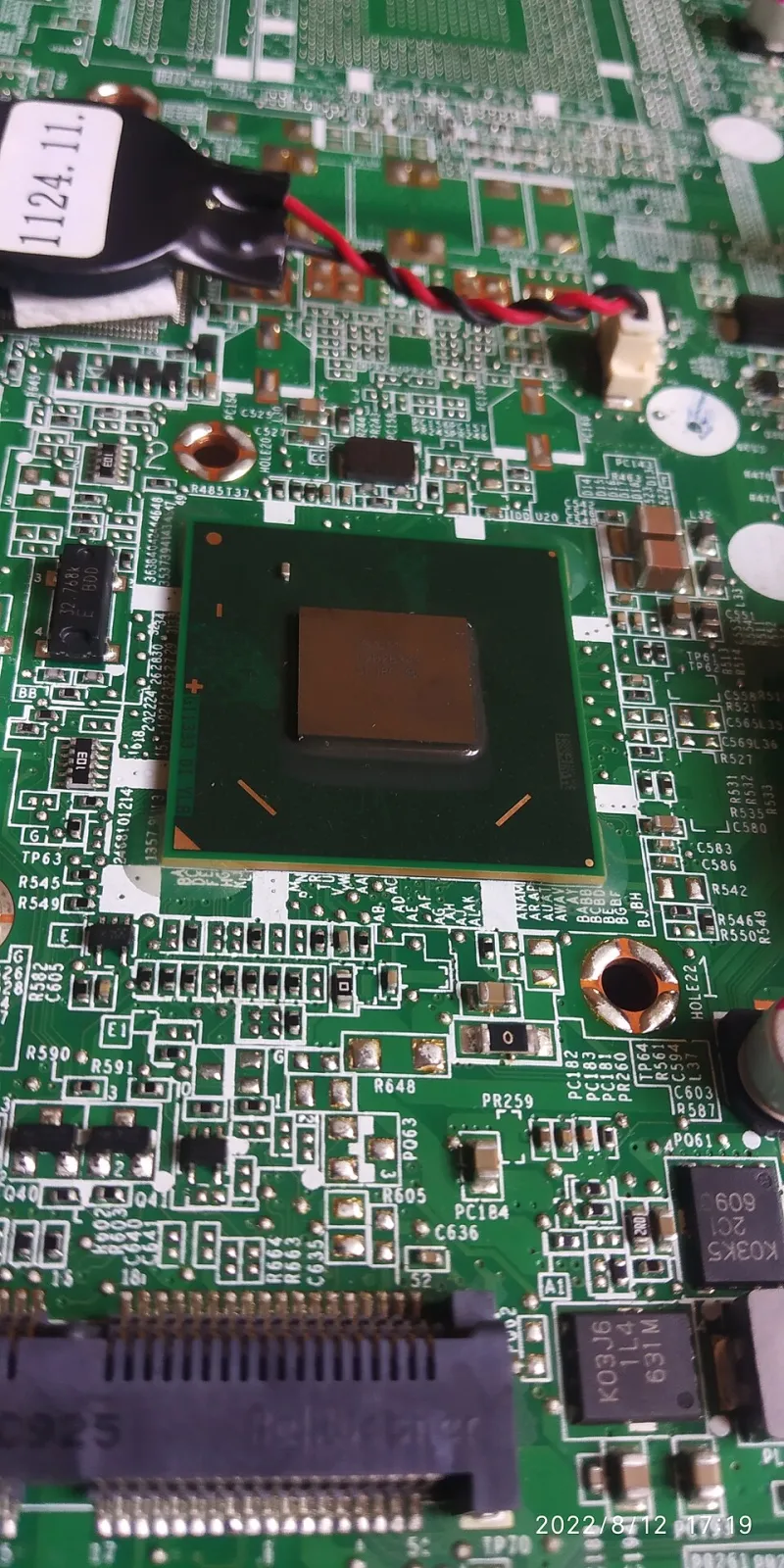
Photo: Rider Adil, CC BY 3.0, via Wikimedia Commons
The laptop was five years old and tired. The battery lasted about 40 minutes, the keyboard had a dead column of keys, and the fan sounded like a small aircraft. Buying new felt wasteful. So I decided to do the responsible thing: order official parts, follow the manufacturer's own guides, and fix it myself.
I am not a repair pro. I have replaced RAM, swapped a hard drive, and once successfully resurrected a printer with a paper clip and a prayer. I figured a battery and keyboard were beginner-friendly. The manufacturer's parts portal made it look official. The guides made it look possible. The reality was a lot more complicated.
The plan
The goal was simple. Replace the battery, replace the keyboard, and clean the fan while I was inside. I ordered from the official parts site using the laptop's serial number. The battery arrived in a few days. The keyboard took longer and came as part of a larger palmrest assembly, which was the first hint that this was not going to be a 20-minute job.
I downloaded the official service manual, watched the manufacturer's teardown video, and cleared a Saturday morning. I had a small screwdriver kit, a plastic pry tool, and a bowl for screws. I felt prepared. That feeling lasted about 12 minutes.
The parts portal reality
The official parts portal is a good idea with a frustrating execution. The search worked, but the compatibility notes were vague. The battery page said it fit my model family, not my exact model. The keyboard page showed a photo that did not match what arrived. I ended up calling support to confirm the part number, and the agent told me the keyboard was only sold as part of the palmrest. That doubled the cost and the complexity.
The total for parts and shipping came to about 180 dollars. A new budget laptop with similar specs was on sale for 450 dollars. The repair still made sense financially, but the gap was smaller than I expected. And that was before I accounted for my time.
The battery
The battery swap started well. The bottom cover came off after I removed 10 screws. The manual said nine. I found the tenth by watching the video again. Inside, the battery was held down by four screws and a strip of adhesive. The official guide said to use a plastic card to loosen the adhesive. I used the card. The adhesive won for a while, then gave up with a ripping sound that made me nervous.
The new battery fit, but the connector was stiff. I lined it up, pressed, and heard a click. Then I powered on and got a message I did not expect: the battery was not recognized. The laptop booted, but it would not charge. A quick search told me what the manual did not: the battery needed a calibration step in the BIOS, and some models check for an official battery serial number. Mine was official, so it eventually worked, but only after a firmware update and a full discharge cycle. That is a software lock dressed up as a support article.
The keyboard
The keyboard was worse. Because it came attached to the palmrest, I had to move the motherboard, trackpad, and several ribbon cables. The guide had photos, but they were from a slightly different revision. One screw hole was missing on my unit. The guide told me to remove a screw that was not there. I spent 15 minutes looking for a screw that did not exist.
When I finally got the new palmrest in place, the keyboard worked, but the trackpad did not. I had pinched a ribbon cable during reassembly. I ordered a replacement cable, waited four days, and tried again. This time it worked. The whole job took two weekends and one extra parts order. I saved money, but I burned a lot of goodwill.
What this means for US buyers
The right-to-repair fight is often framed as a fight for independent shops. It is also a fight for people like me, standing at a kitchen table with a plastic pry tool and a browser tab open to a service manual. Official parts are better than no parts, but they are not enough if the guides are vague, the parts are bundled, and the software refuses to cooperate.
If you are thinking about repairing instead of replacing, check three things before you order: the exact part number, whether the part requires software pairing, and whether the official guide matches your revision. Also check the return policy. You will probably need it.
The laptop works now. The battery lasts, the keyboard types, and the fan is quiet. I am glad I fixed it. But the experience left me with a clear thought: a repair should not feel like a scavenger hunt through a manufacturer's supply chain. For everyday US buyers, that is the part of right-to-repair that still needs fixing.